Pet: Roger
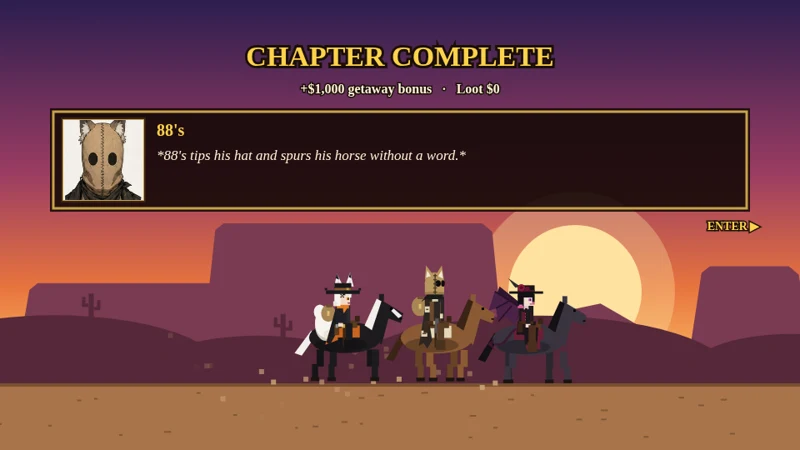
A desktop pet you can feed, pet, brush, play ball with, and grab. Roger, the judgemental fox demon, roams around your screen and keeps his opinions to himself (he doesn't).
- Feed him cheese, steak, candy corn or a mysterious heart
- Pet him, brush his fur, toss him a ball to chase
- Put him to sleep, let him sit or wander, check his stats
- Drag to pick him up by the scruff; click or double-click for a quick reaction. Right-click for the menu
Windows (64-bit) and Mac · about 85–100 MB. Windows: unzip, then run RogerPet.exe. Windows may show a SmartScreen warning because the app isn't signed: click "More info" then "Run anyway".
Windows blocked it?
- If your browser or Defender flags the download, choose Keep / Keep anyway.
- Right-click the zip > Properties > tick Unblock > OK, then Extract All.
- "Windows protected your PC" (SmartScreen): click More info > Run anyway.
- If Defender quarantines it: Windows Security > Virus & threat protection > Protection history > select the item > Actions > Allow on device. Optional: Manage settings > Exclusions > Add an exclusion > Folder > pick the RogerPet folder.
Mac blocked it?
Mac builds are unsigned and untested, so macOS may say "Malware Blocked" or that the app is damaged.
- Unzip the download.
- Apple Silicon: open Terminal in that folder and run
xattr -dr com.apple.quarantine RogerPet.app - Then run
codesign --force --deep --sign - RogerPet.appand open him. - Intel: right-click the app > Open > Open.
* Roger isn't signed by Apple or Microsoft, so your computer may flag him as a threat (on Mac: "Malware Blocked"). He's safe, just unsigned. All the code is on GitHub and inspectable in the package. Code Here